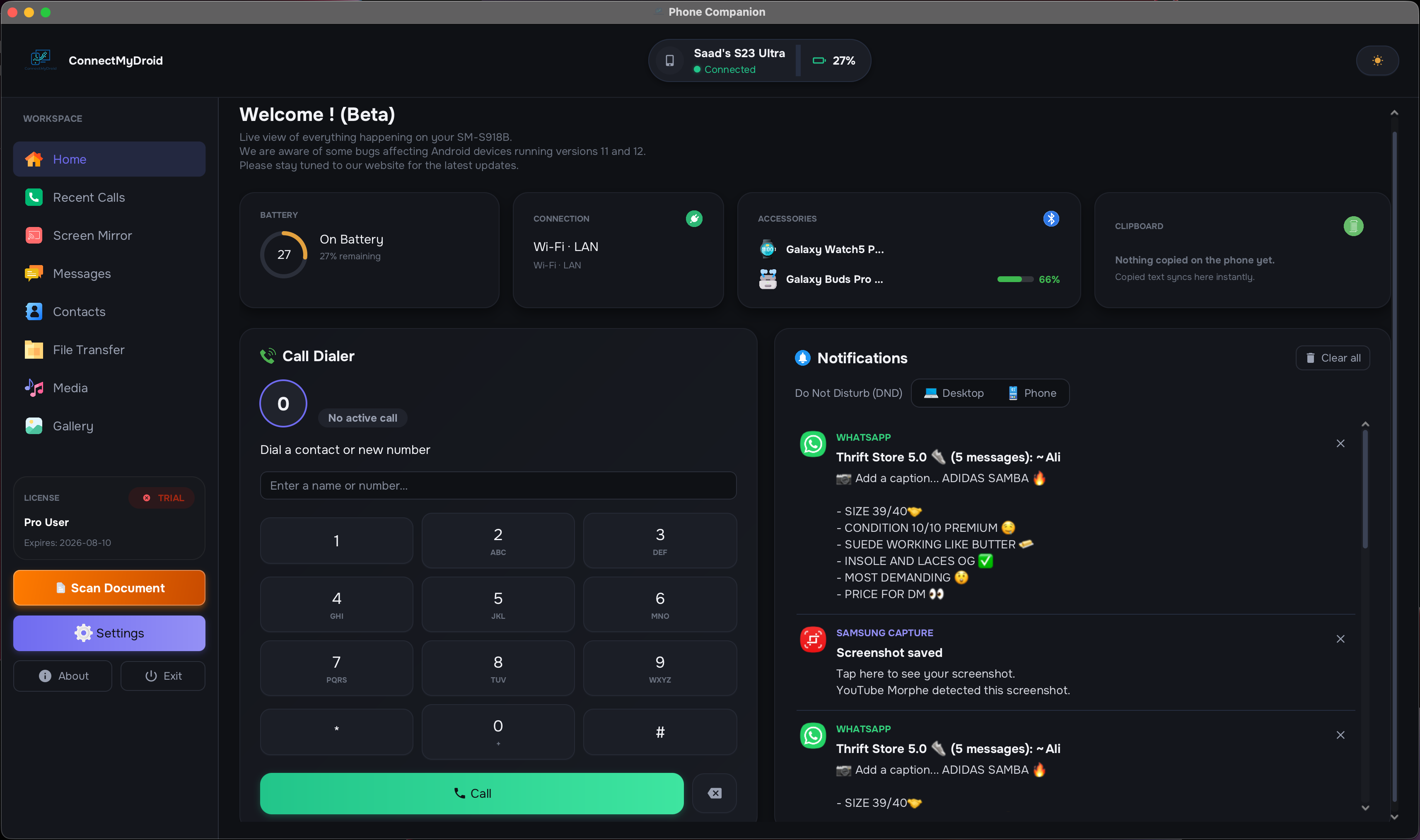
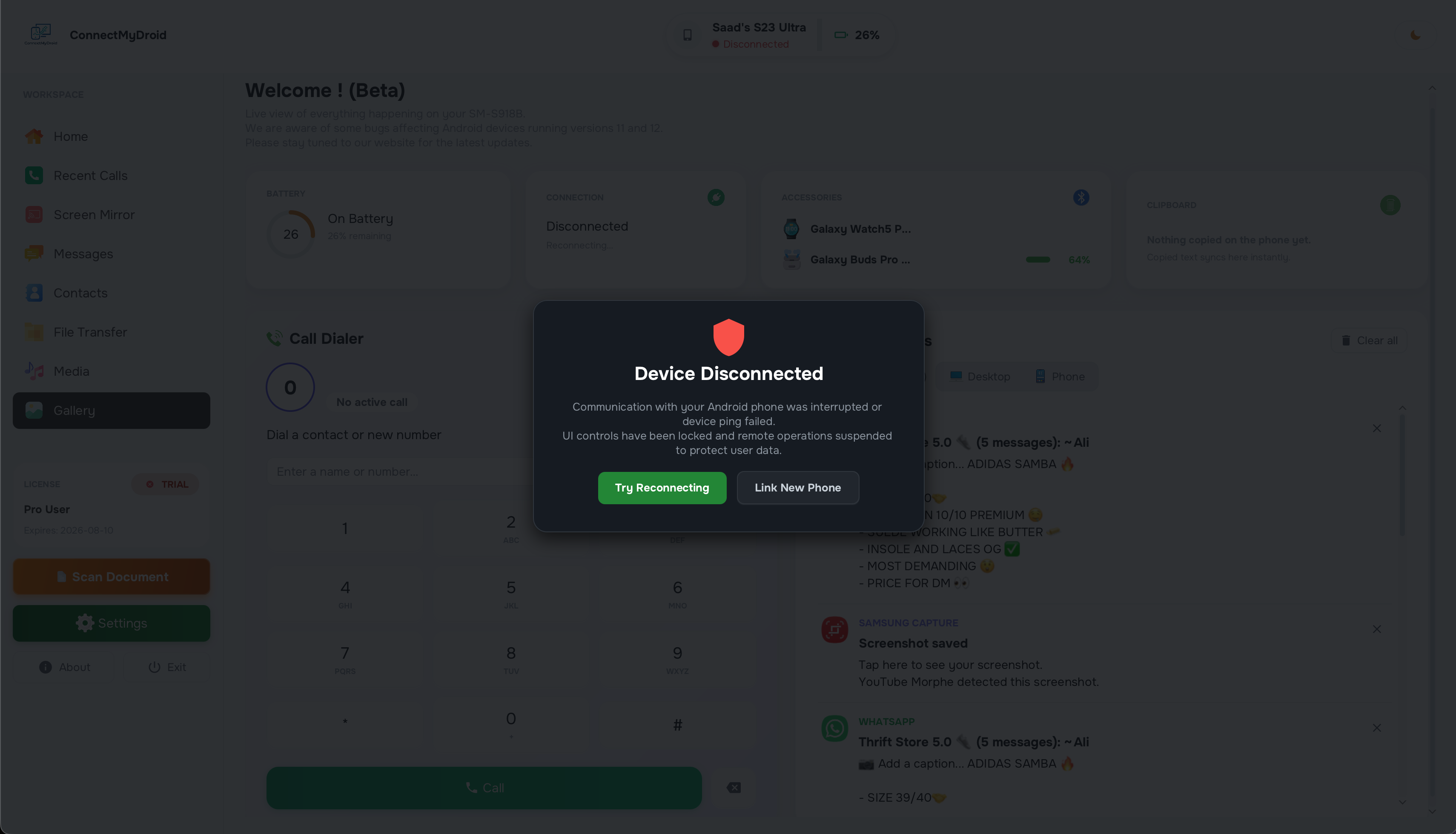
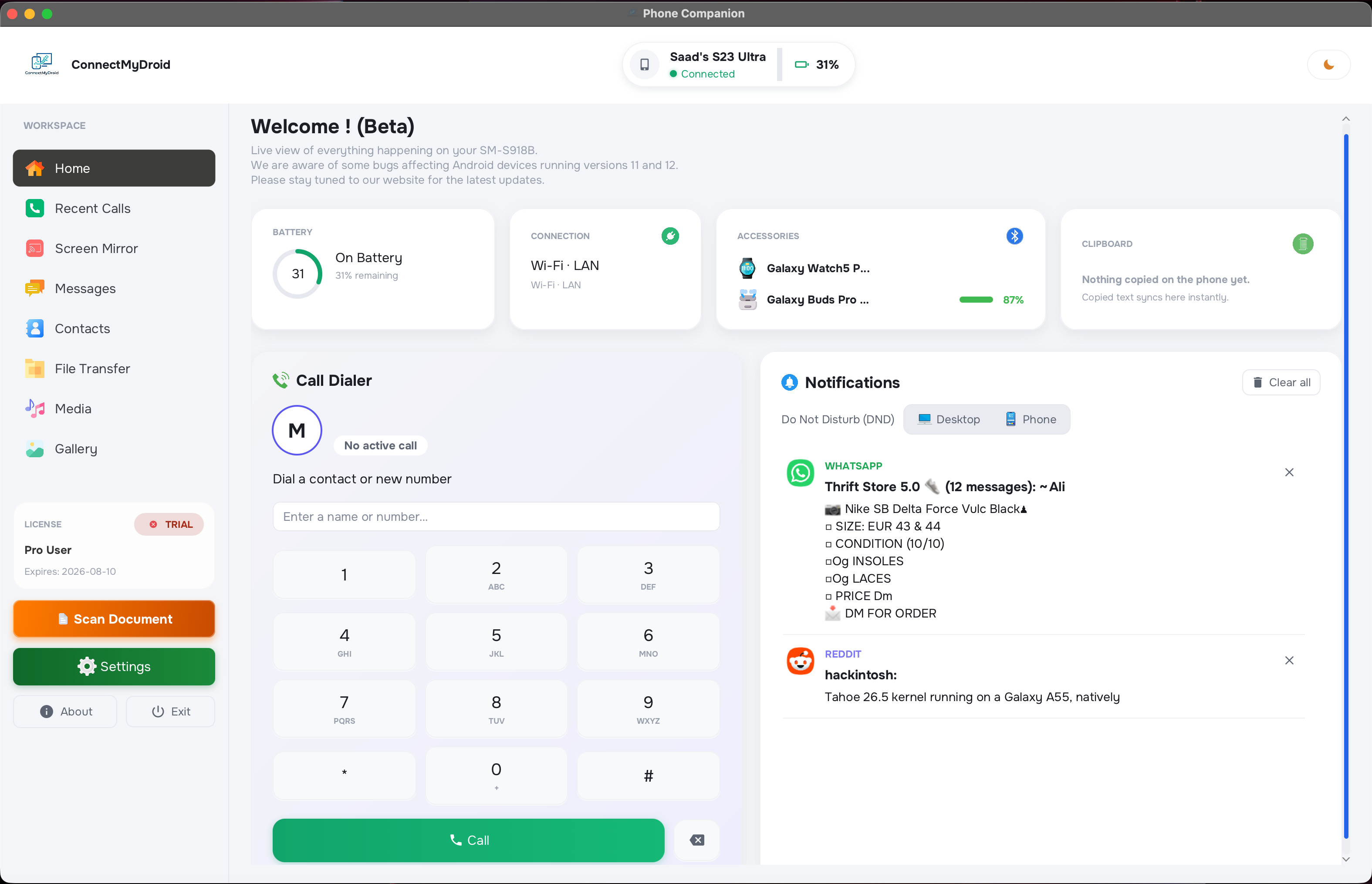
Bridge your Android phone with your desktop: mirror your screen, send SMS, transfer files, control music and more. All over Wi-Fi. No cables.
Zero-friction workflows. No cables, no cloud. Just your devices working as one seamless system.
Open the app and your phone appears. Multicast DNS discovers your Android on the local network in under a second with no IP addresses, no port forwarding, and no setup.
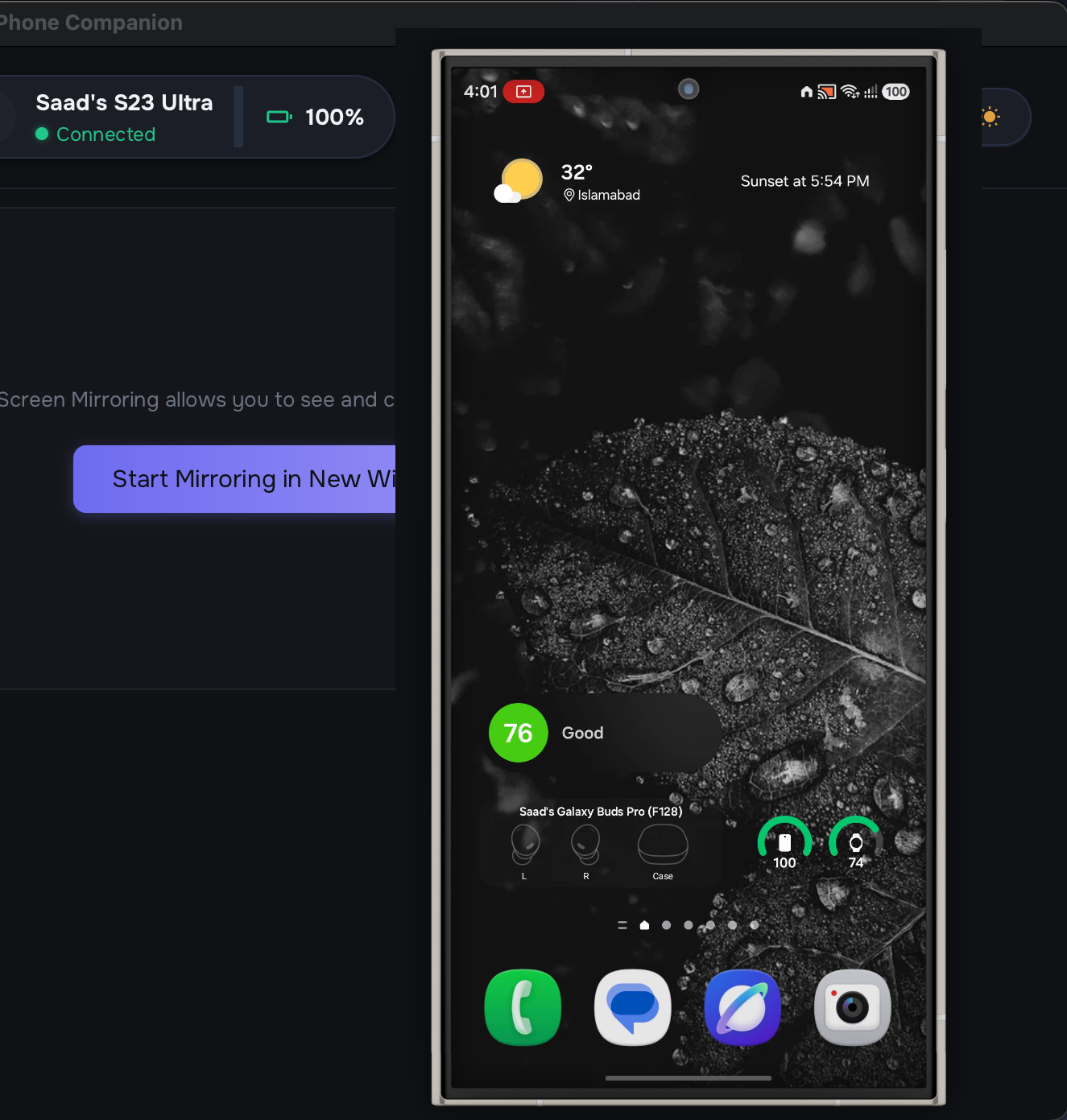
High-frame-rate display streaming from Android to desktop. Full touch simulation, keyboard and mouse passthrough: control your phone entirely from your desk.
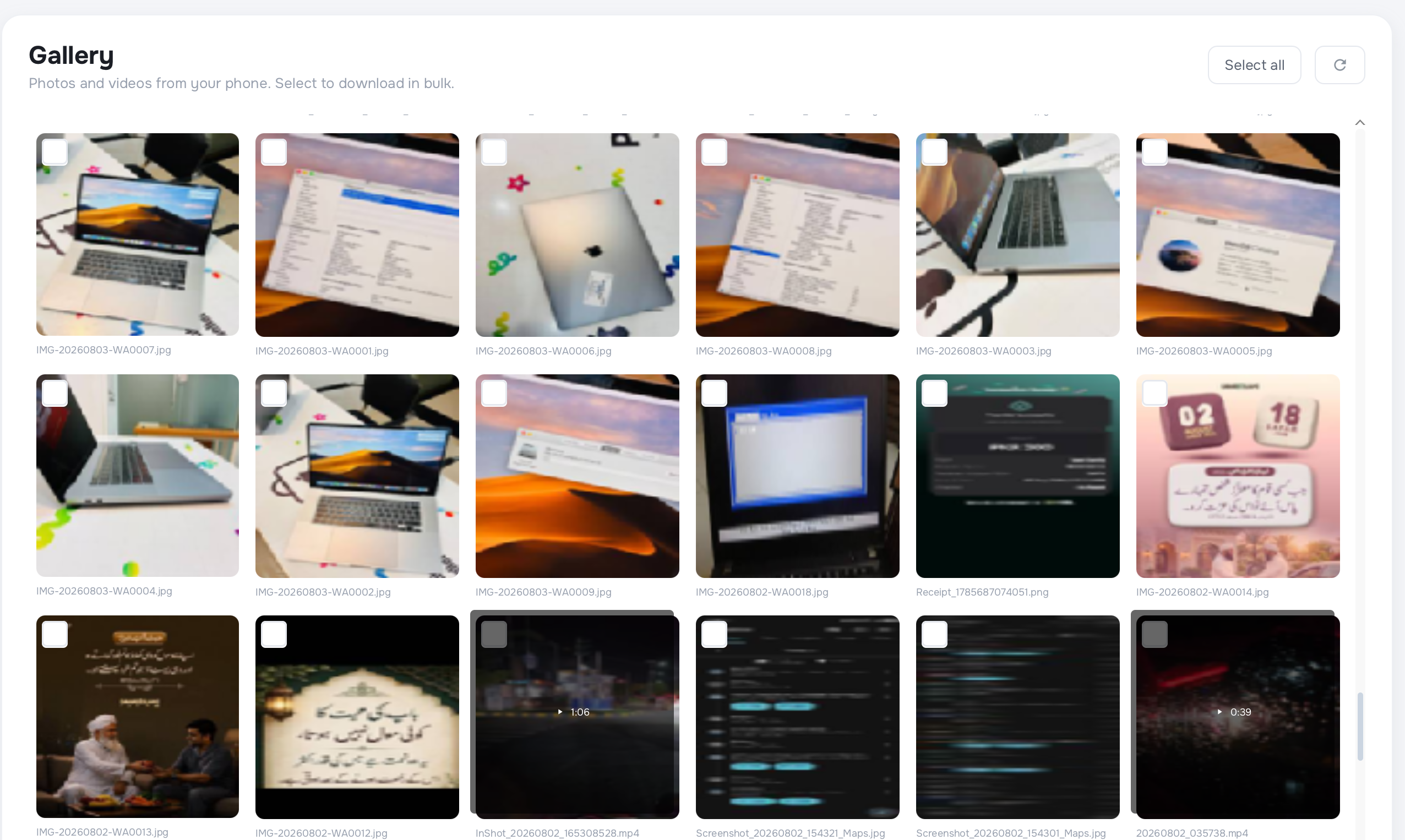
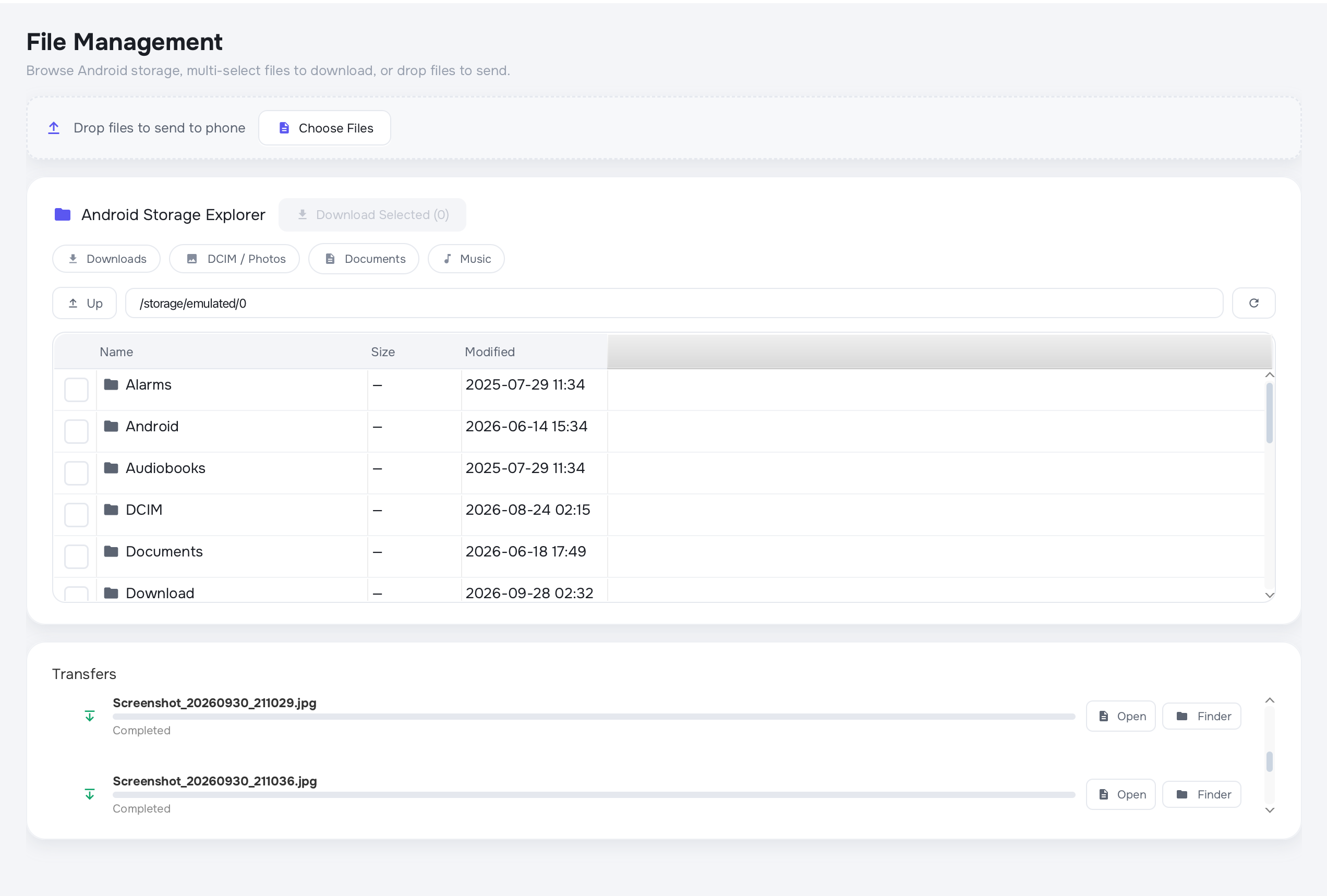
Full remote exploration of your Android's internal storage. High-throughput bi-directional file transfer. Browse photos and videos in a beautiful grid with no cables and no cloud.
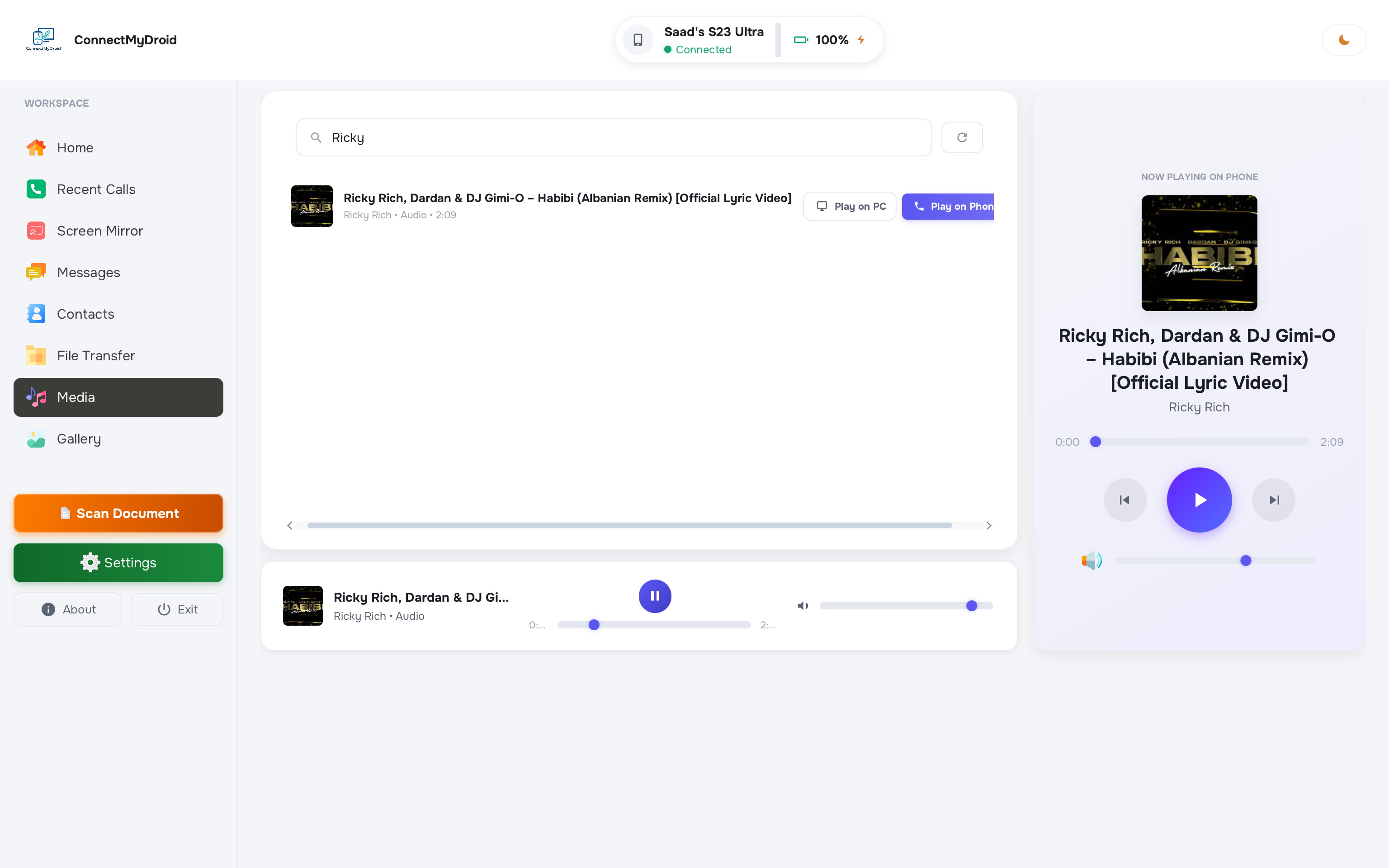
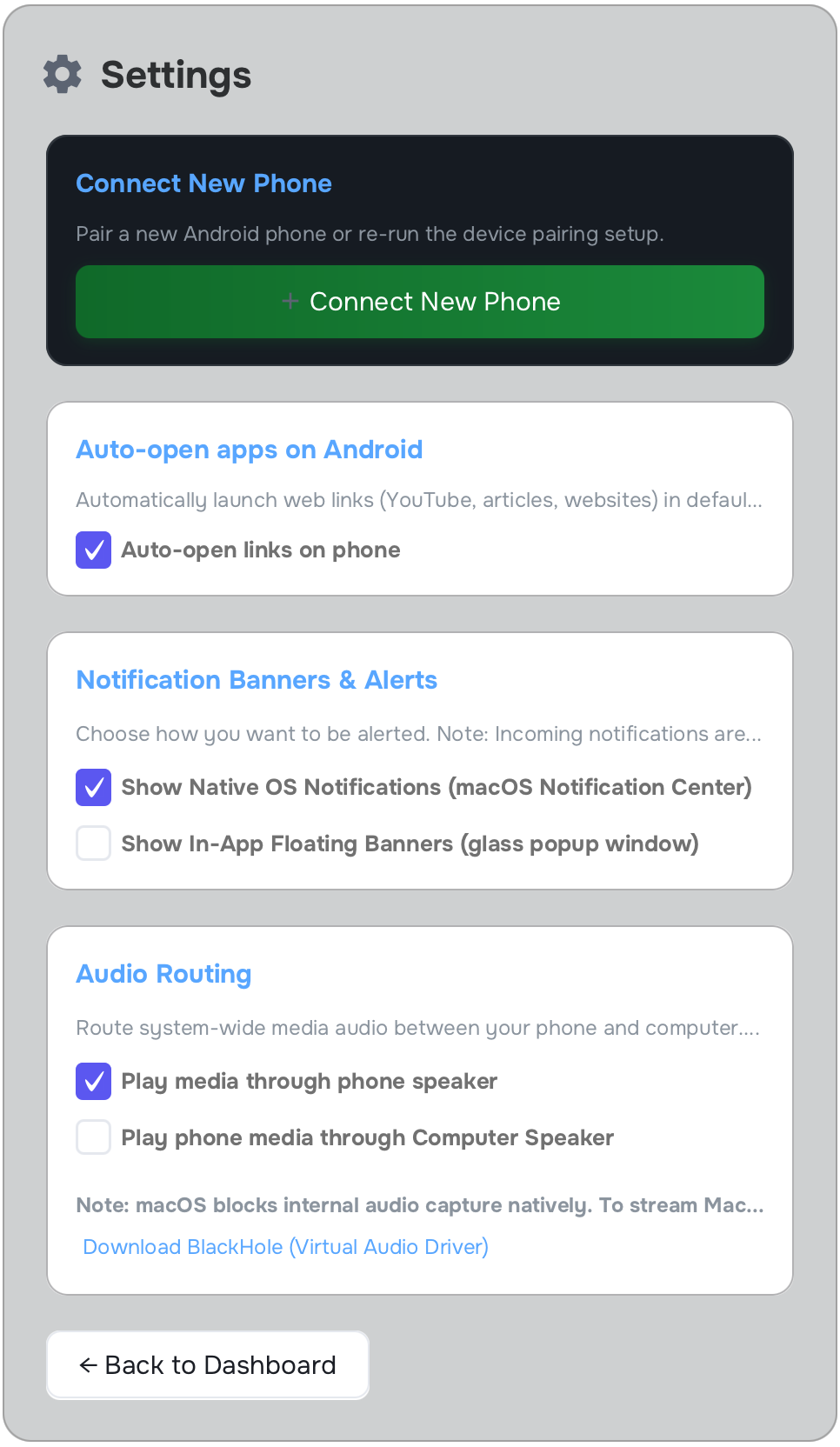
Browse and control your Android's full music library remotely. Full playback control, metadata, album art, and even route audio to your computer speaker.
Full Android file system browser with drag-and-drop support. Explore every folder, download files, or send files to your phone with a clean native UI.
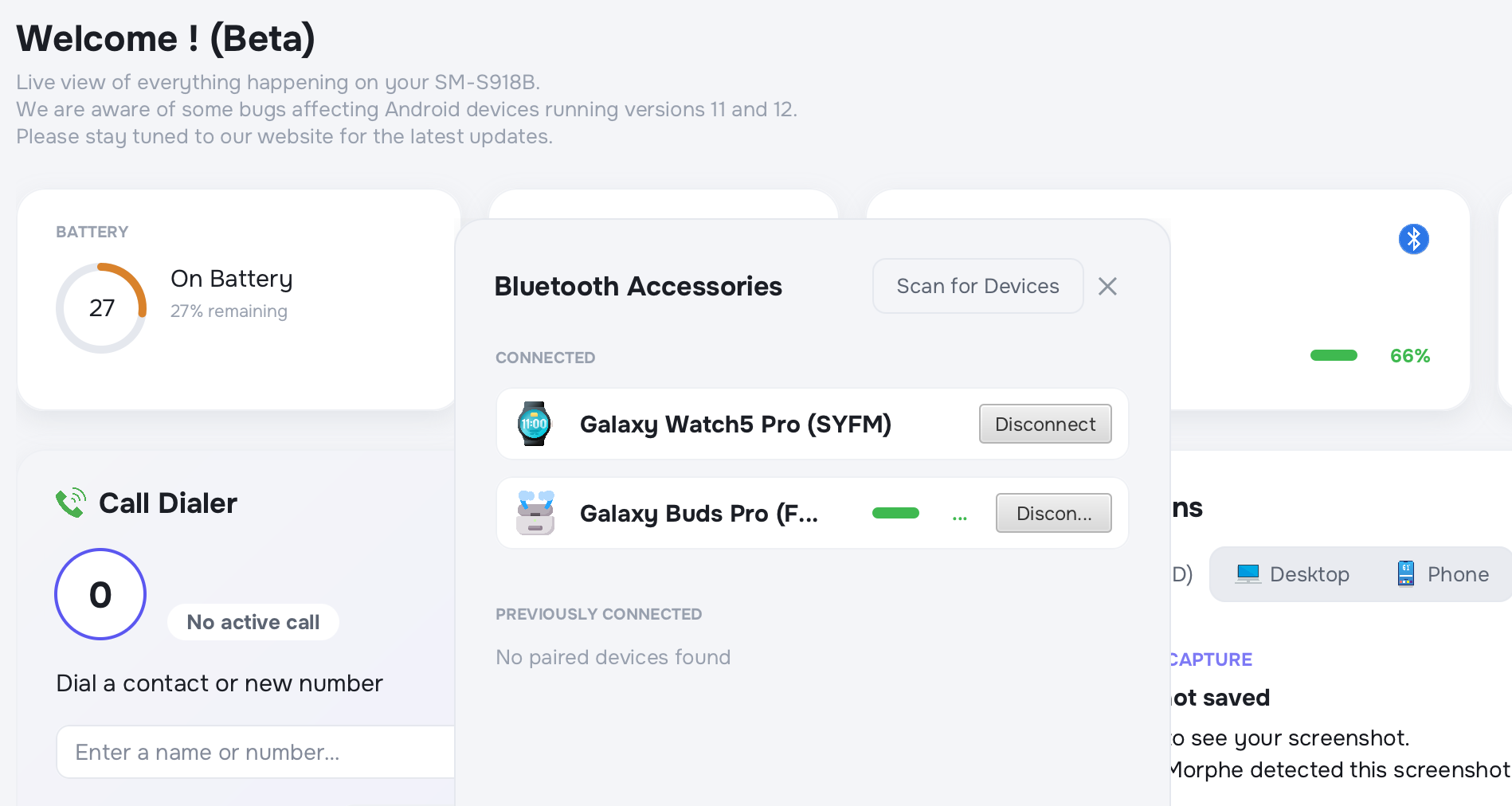
Real-time telemetry of paired Bluetooth devices including battery levels and connection states. Remotely manage pairing from your desktop without picking up your phone.
Scan physical documents with your phone camera and receive them as PDFs on your desktop instantly. Automatic URL parsing hands off links from phone to desktop browser.
Cryptographic device pairing with a 6-digit dynamic code. All data encrypted in transit. Remote unpairing and session lockout keep your data protected at all times.
A real look at how ConnectMyDroid fits into your daily workflow.
Download our production desktop companions for Windows and macOS, or request early access to the Android companion private beta.
The screen mirroring is incredible with zero lag over Wi-Fi. I use it every day during client demos to show my Android on my MacBook. Game changer.
File transfer speed is fantastic. Paired with my S23 in literal seconds. I've tried everything else, and this is the only one that just works.
The document scanner is my favourite feature. I scan receipts with my phone and they pop up as PDFs on my PC instantly. Saves me so much time.
Cryptographic pairing, encrypted connections: security was my main concern and ConnectMyDroid nailed it completely. I trust it with everything.
Everything you need to know about ConnectMyDroid, device compatibility, wireless performance, and privacy.
ConnectMyDroid is an ultra-fast desktop companion software that bridges your Android phone with Windows and macOS computers over your local Wi-Fi network. It enables real-time sub-3ms wireless screen mirroring, high-speed file transfer, clipboard synchronization, and SMS notification management directly from your workstation.
Desktop applications are production-ready for Windows 10/11 (64-bit) and macOS 11+ (native support for both Apple Silicon M1/M2/M3/M4 and Intel processors). The companion mobile application supports Android 8.0 through Android 15 and is currently in private beta testing.
ConnectMyDroid utilizes hardware-accelerated H.264/H.265 video encoding combined with low-overhead UDP packet streaming, achieving sub-3ms latency at up to 60fps on standard 5GHz Wi-Fi networks with full touch and keyboard passthrough.
No internet connection or cloud account is required. ConnectMyDroid operates strictly over your local Wi-Fi network with end-to-end TLS/AES-256 peer-to-peer encryption, ensuring zero latency and 100% data privacy.
Yes, during our open beta phase, the Windows and macOS companion desktop applications are completely free to download and use with full feature access.
You can request early access by submitting the beta form on this page with your device model and Android version. Invitations and direct APK downloads are sent regularly to approved testers.
Download our production Windows and macOS desktop apps today, and request early access to the Android companion private beta.
The Android companion is currently in private testing phase, while our Windows and macOS desktop apps are ready for download. Submit your details below to request early beta access or get in touch with our team.